You can export the Insights Summary page as a PDF for easy sharing, printing, or archiving.
 How to Export the PDF
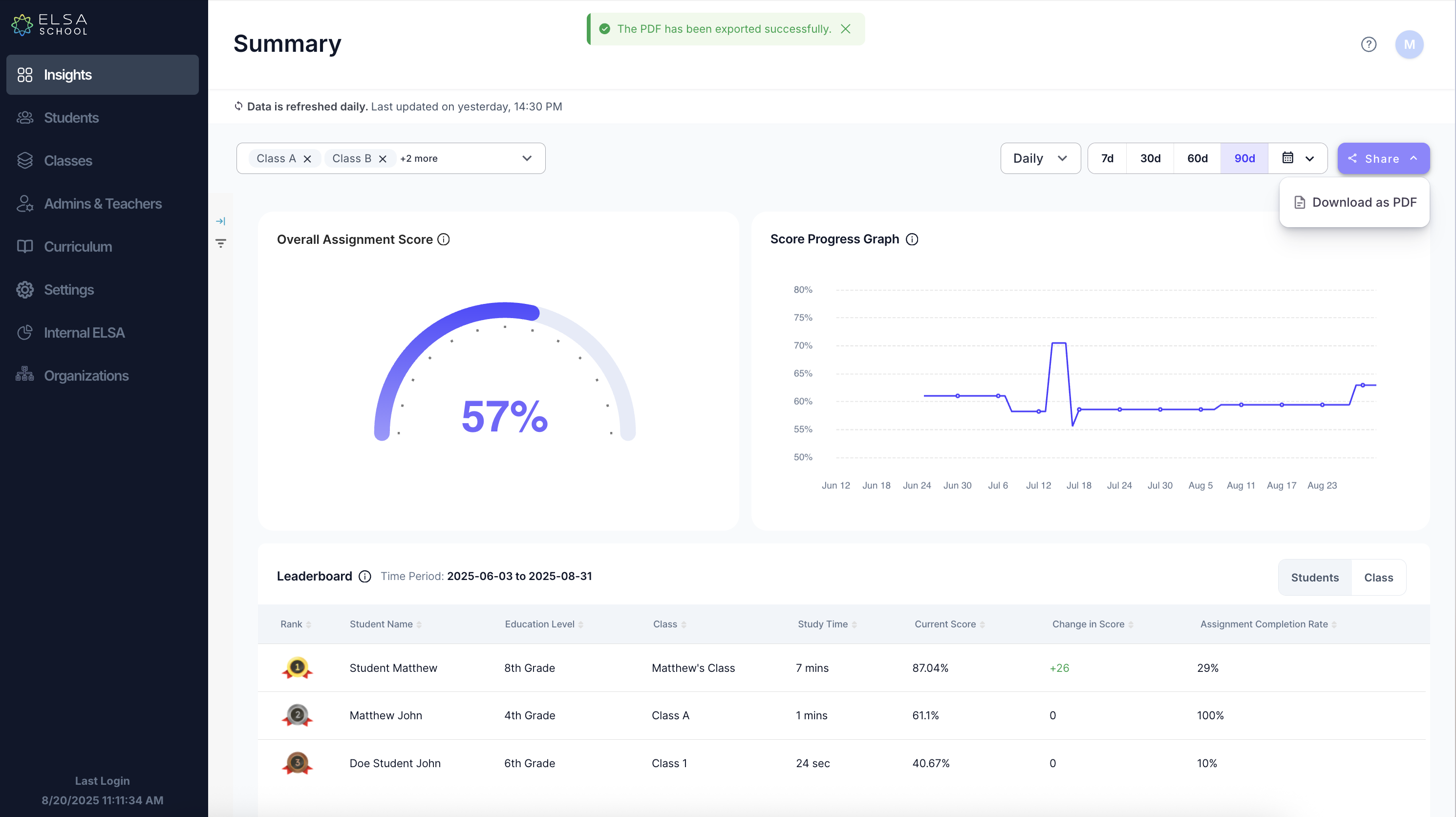
Navigate to the Insights tab on the left-hand menu.
Click the purple Share button in the top right corner.
Select Download as PDF from the dropdown menu.
The entire page will be saved to your computer as an A4-sized PDF file.
This is useful when you need to share a physical or digital copy of the report with colleagues or administrators.
Where Else Can You Export?
Besides the main summary page, you can also export a detailed PDF report for each individual student from their detail view page.
Was this article helpful?
That’s Great!
Thank you for your feedback
Sorry! We couldn't be helpful
Thank you for your feedback
Feedback sent
We appreciate your effort and will try to fix the article