Follow these simple steps to activate your account and access the Teacher Dashboard.
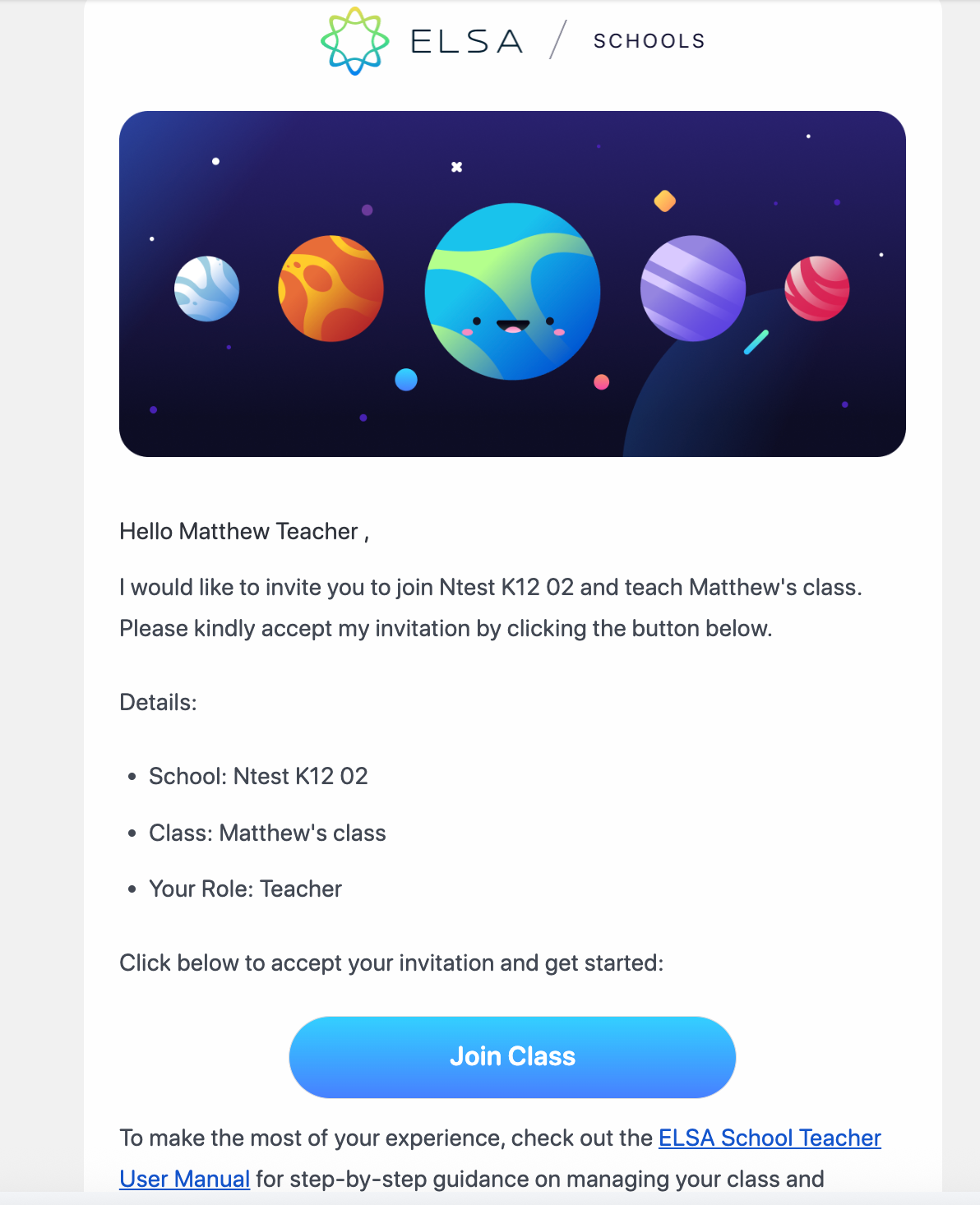
Accept the Email Invitation You will receive an invitation to join a class from ELSA School, sent to your organization's email address. Open this email and click the “Join Class” button. This will open a new browser tab, directing you to the account setup page.
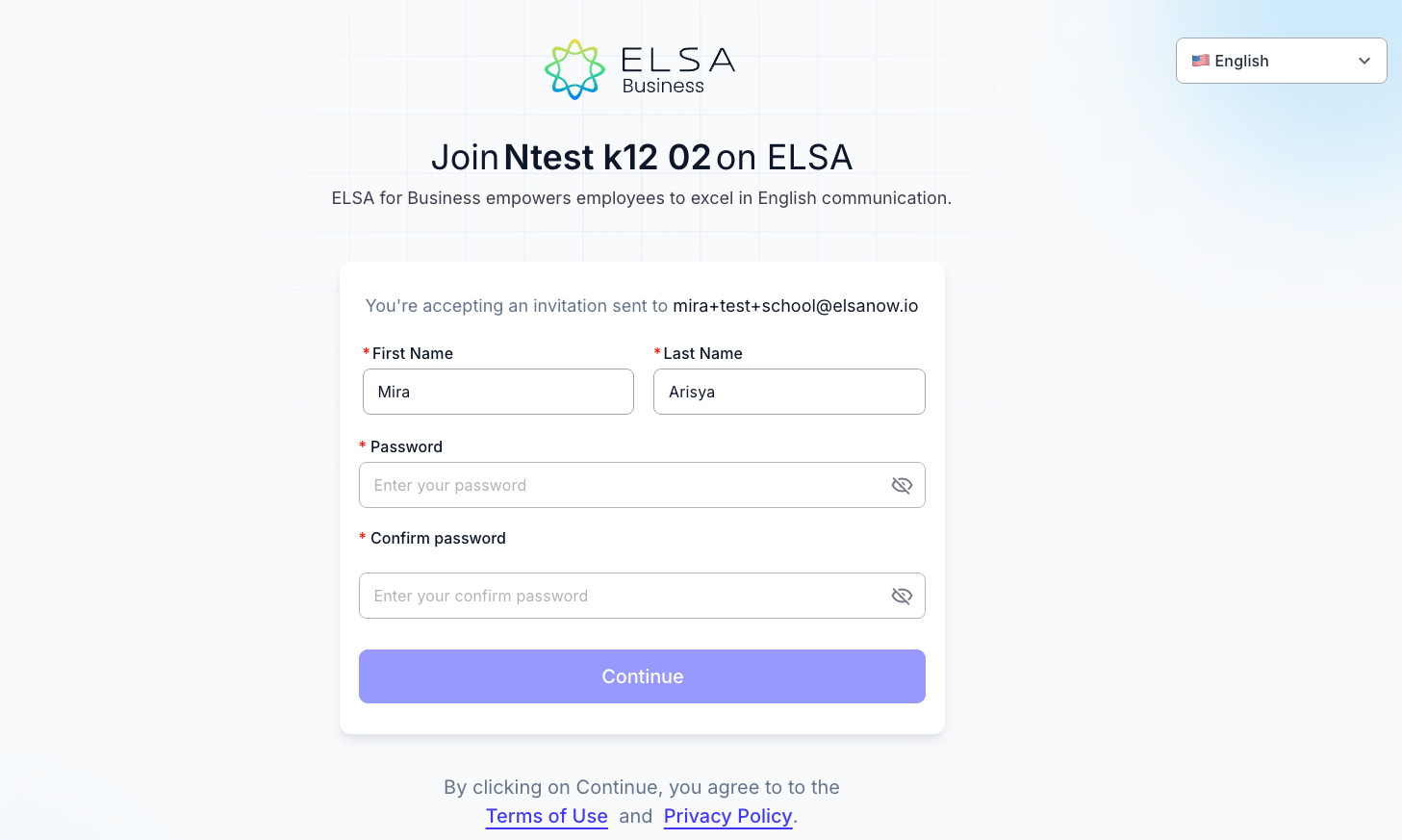
Create Your Profile On the setup page, enter your First Name, Last Name, and create a secure Password. Click “Continue” to proceed.
Explore the Dashboard After your profile is created, you will be directed to the ELSA School Dashboard. Click “Get Started” to begin viewing your classes and student information.
Was this article helpful?
That’s Great!
Thank you for your feedback
Sorry! We couldn't be helpful
Thank you for your feedback
Feedback sent
We appreciate your effort and will try to fix the article